Updates and Releases
The KubeStellar Klaude Console follows a regular release schedule with two update channels.
Release Channels
Stable (Weekly)
The stable channel receives tested releases every week:
- Version format:
v0.x.y-weekly.YYYYMMDD - Release day: Every Monday
- Recommended for: Production environments
Weekly releases include:
- Bug fixes from the previous week
- Performance improvements
- Security patches
- Tested new features
Nightly
The nightly channel provides the latest development builds:
- Version format:
v0.x.y-nightly.YYYYMMDD - Release frequency: Daily at midnight UTC
- Recommended for: Testing and development
Nightly releases include:
- Latest features and improvements
- Experimental functionality
- May contain bugs or incomplete features
Checking for Updates
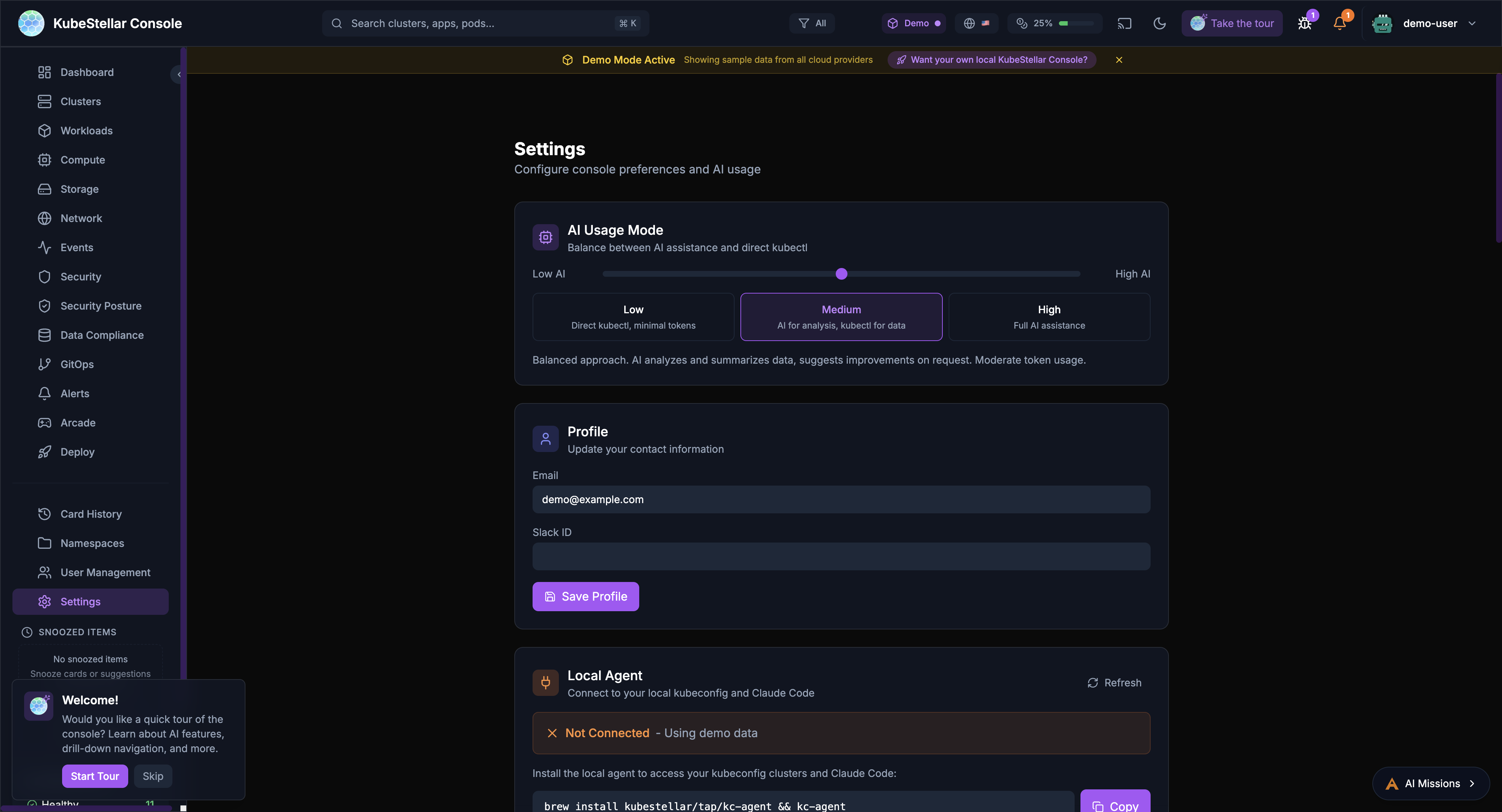
From the Settings Page
- Navigate to Settings in the sidebar
- Scroll to the System Updates section
- View current version and latest available
- Click Check Now to manually check for updates
The settings page displays:
- Update Channel: Current release channel
- Current Version: Installed version with commit hash
- Latest Available: Newest version in your channel
- Status: Whether you’re up to date
- Last Checked: When updates were last checked
Automatic Checks
The console automatically checks for updates:
- On startup
- Every 6 hours while running
- When switching release channels
Switching Channels
To switch between stable and nightly:
- Go to Settings > System Updates
- Click the Update Channel button
- Select your preferred channel
- The console will check for the latest version in that channel
Note: Switching from stable to nightly may introduce newer (potentially unstable) features. Switching from nightly to stable may require waiting for the next weekly release.
Version Information
The version is displayed in multiple locations:
- Settings page: Full version with commit hash
- Footer: Abbreviated version
- About dialog: Complete version details
Example version: v0.3.6-nightly.20260127 (71e4039)
v0.3.6: Semantic versionnightly: Release channel20260127: Release date (January 27, 2026)71e4039: Git commit hash
Update Notifications
When a new version is available:
- A notification badge appears in the header
- The settings page shows “Update Available”
- Release notes are displayed for major changes
Manual Installation
To manually update or install a specific version:
Using npm
# Clone the repository
git clone https://github.com/kubestellar/console.git
cd console/web

# Install dependencies
npm install

# Start in development mode
npm run dev -- --port 5174
Using Docker
# Pull the latest image
docker pull quay.io/kubestellar/console:latest

# Or a specific version
docker pull quay.io/kubestellar/console:v0.3.6-weekly.20260127
Release Notes
Release notes are published:
- In the console’s update notification
- On the GitHub Releases page
- In the KubeStellar blog
Rollback
If you encounter issues with a new version:
- Note your current version
- Check out the previous tag from Git
- Rebuild and restart the console
# List available versions
git tag -l

# Checkout a specific version
git checkout v0.3.5-weekly.20260120

# Rebuild
npm install && npm run build
Support
For update-related issues:
- Check the console documentation
- Search GitHub Issues
- Ask in the KubeStellar Slack